orca
A learning companion and a furniture system for self-directed learning.
- Role
- Co-author of a joint bachelor thesis (team of three)
- Team
- With Gregor Baars and Jannik Issler
- Year
- 2026
- Context
- Joint bachelor thesis, based on individualised learning at Theresianum Mainz
- Outcome
- Tested with eight students, which led to two usability fixes.
- Tools
- React
- Vite
Images 19
An app that brings tasks, weekly planning and materials into one flow, paired with a furniture family for focused and collaborative work. An informal test with eight students led to two concrete usability fixes.
orca pairs a digital learning companion with a flexible furniture system. Tasks, materials and progress are designed together with the room where learning happens. It started from the individualised learning concept at Theresianum Mainz.
About the film above: the app scenes are recorded from the running prototype with its demo data. The furniture shots start from our own renderings; their camera movement was generated with an AI video model, the classroom image is AI-generated, and in the desk shot the tablet and notebook were added by AI. orca is the joint bachelor thesis of Max Stauss, Gregor Baars and Jannik Issler; app and furniture were developed together.
The problem
At the school we studied, guided lessons, collaboration and independent study time alternate. Within multi-week stages, students increasingly organise their own learning: what to start with, how to split their time, how to keep their goals in view.
That freedom needs orientation. Learning content lived in Moodle, timetables and messages in the school portal, personal planning in a paper notebook. Before students could learn, they first had to bring together tasks, documents and their own progress.
Our guiding question: How can digital organisation and the physical learning space support self-directed learning without adding admin work?
On site
We started at the school. Theresianum Mainz works with two kinds of space: the Silentium, a dedicated room for quiet, focused work, and the Auditorium, an open area used mainly for collaboration. We visited both, followed a student’s day from the first lesson to the end of school at 16:00, and looked at the furniture already in use.
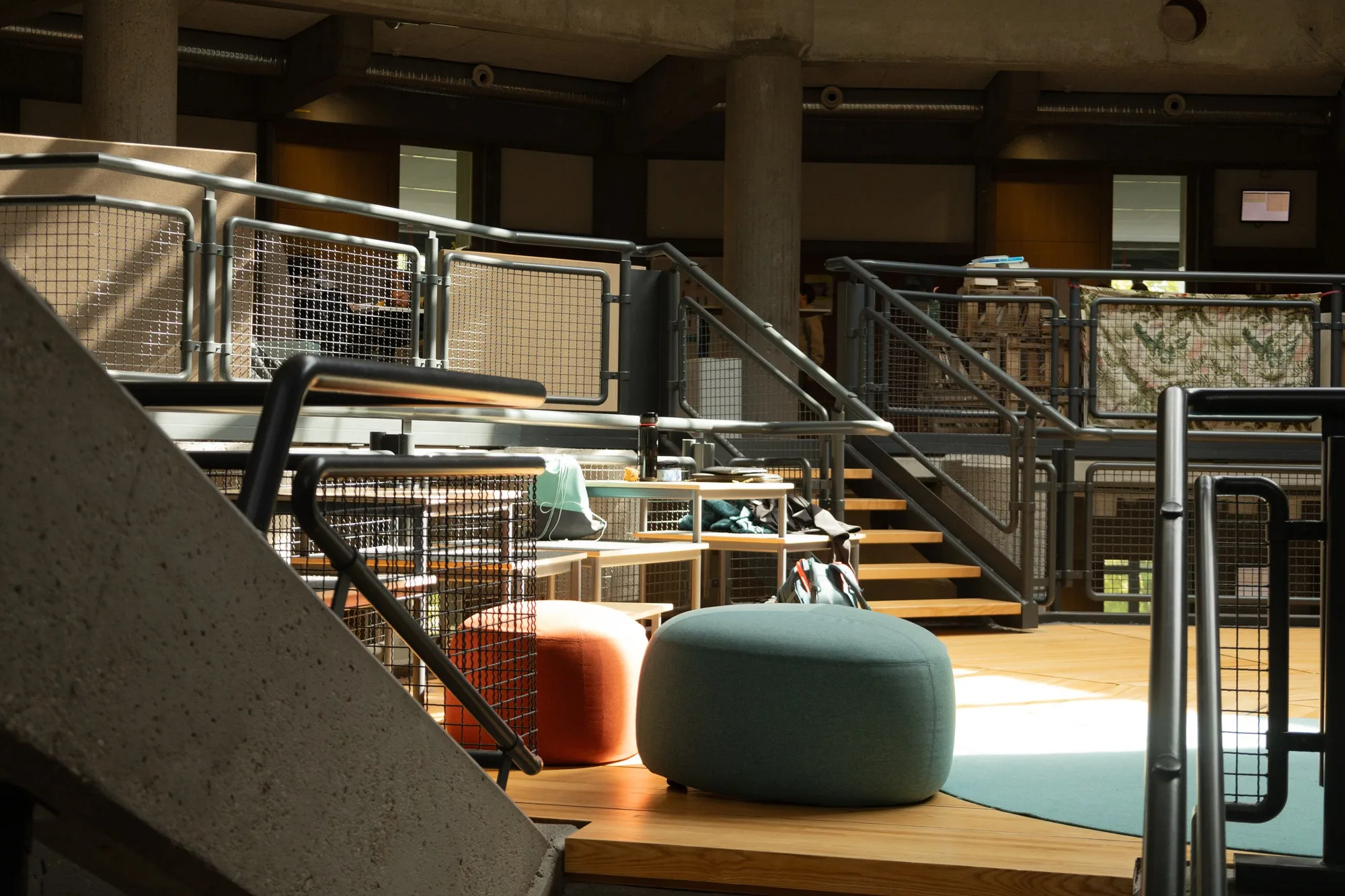
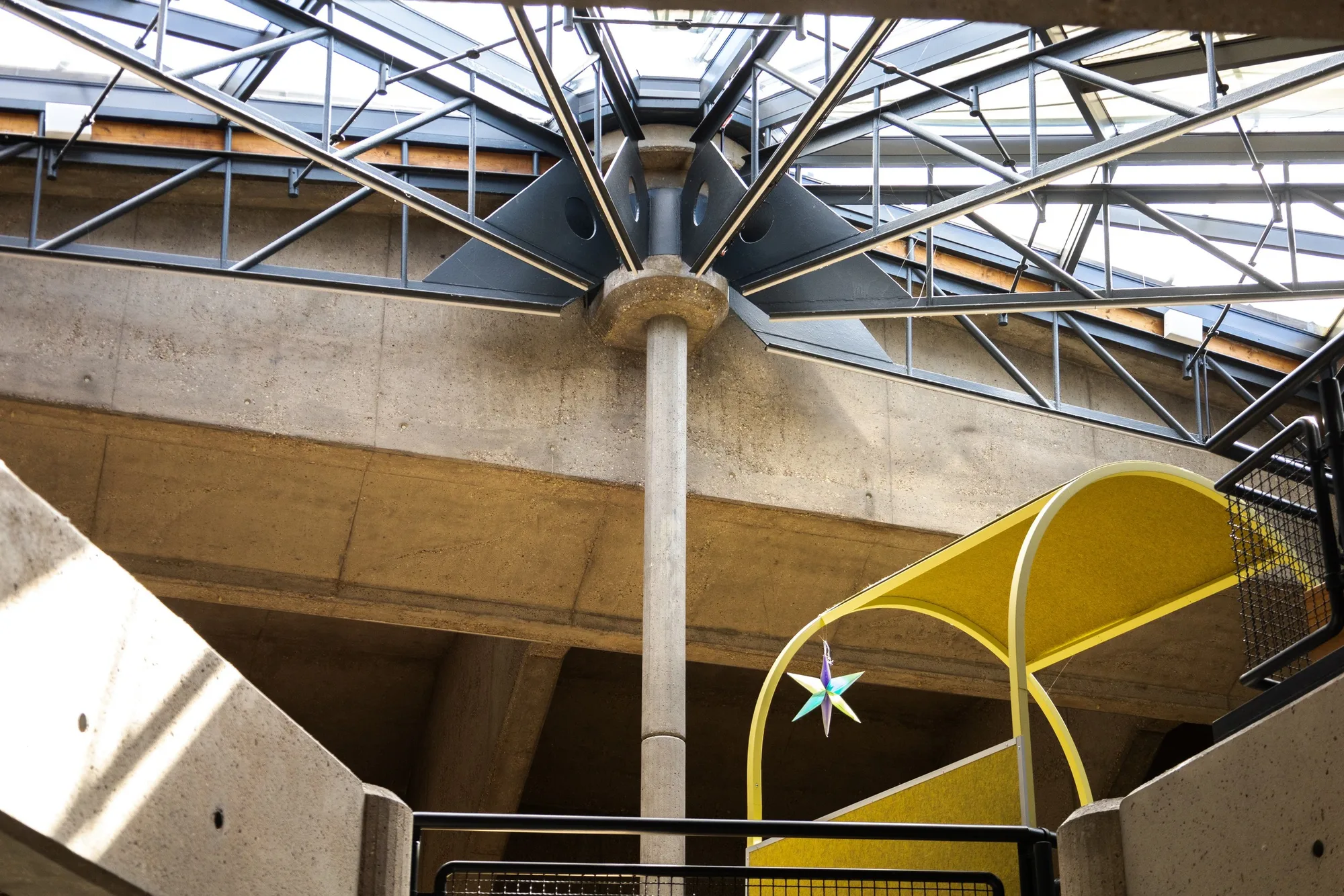
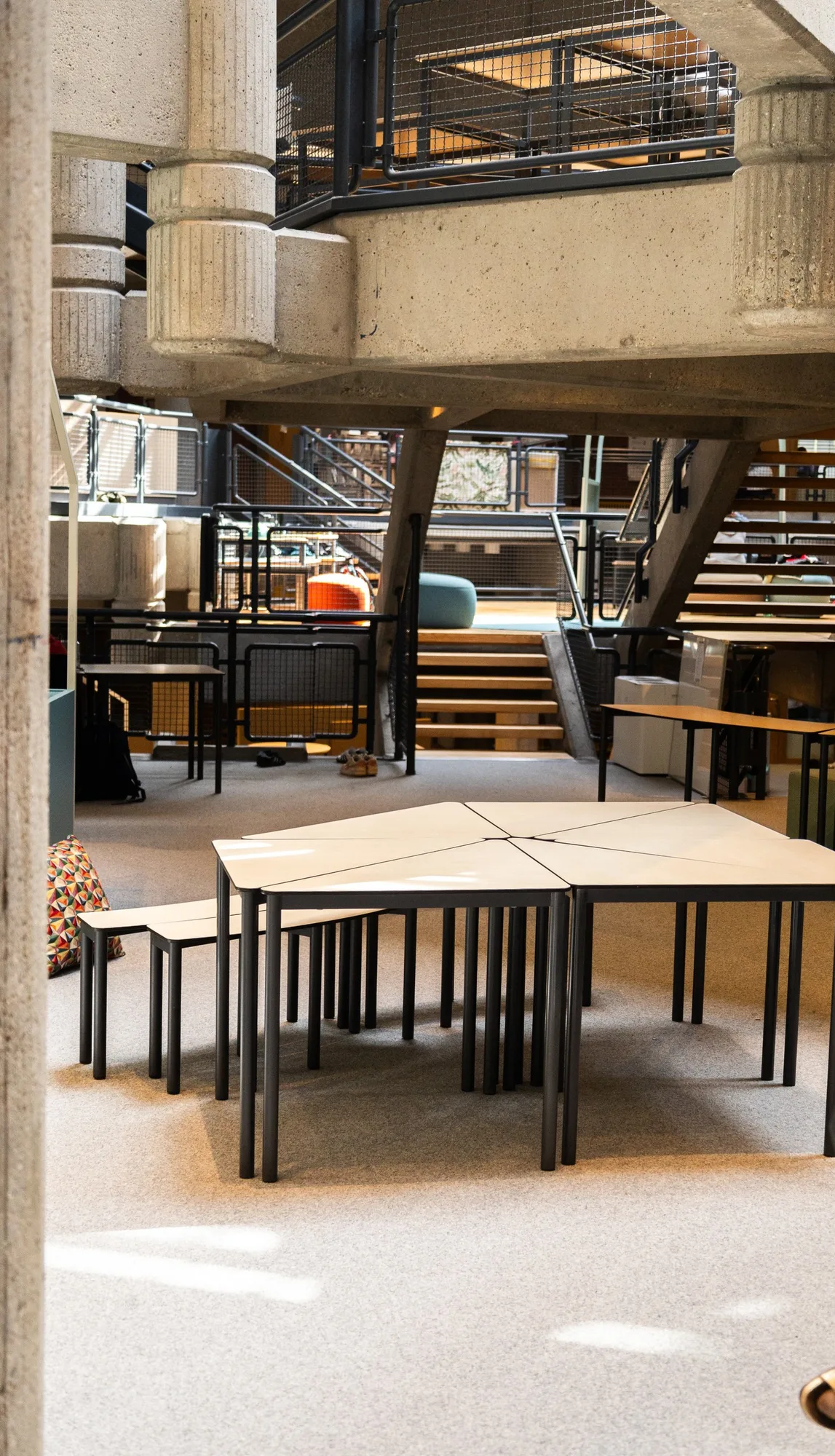
Photos from our visits to Theresianum Mainz.
We combined observation in class with conversations and an analysis of existing tools. Students explained their planners and walked us through the existing platform; teachers, school leadership, the head of IT and a textbook publisher added their perspectives. The synthesis produced four connected problem areas: scattered materials, no overview of progress, time-consuming preparation of content, and spatial barriers to focusing or asking for help.
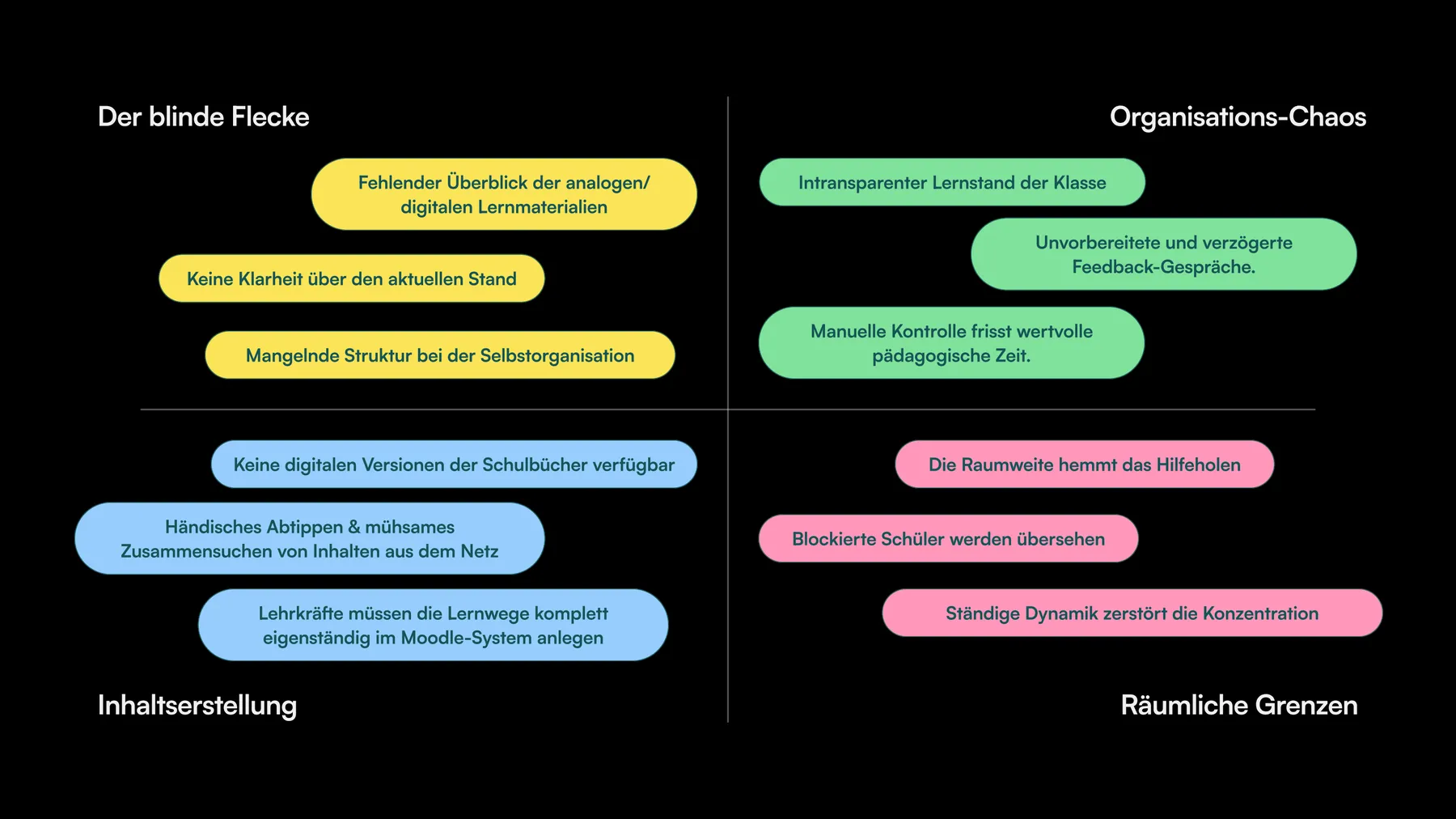 Problem map from the final presentation (in German).
What we built
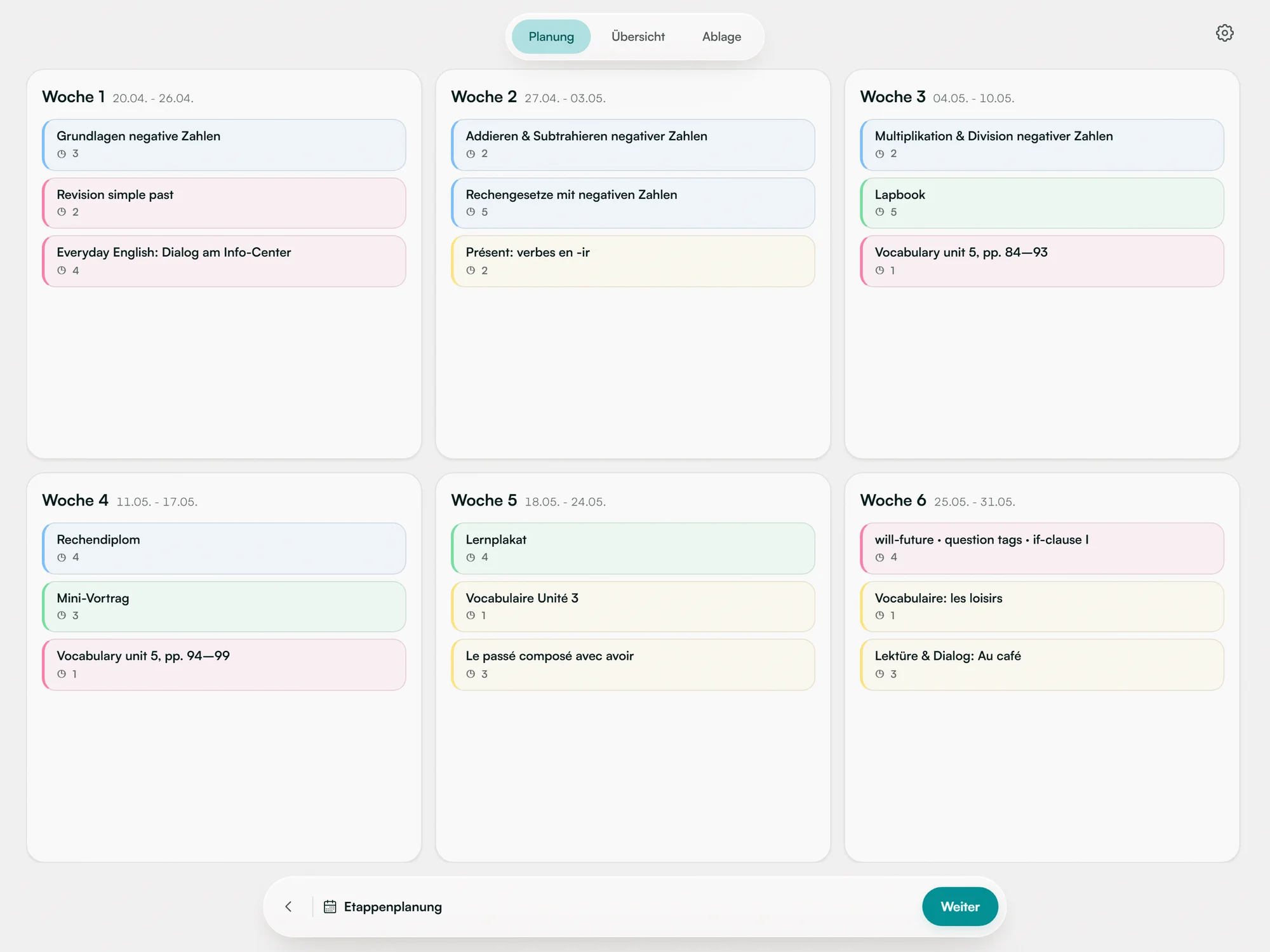
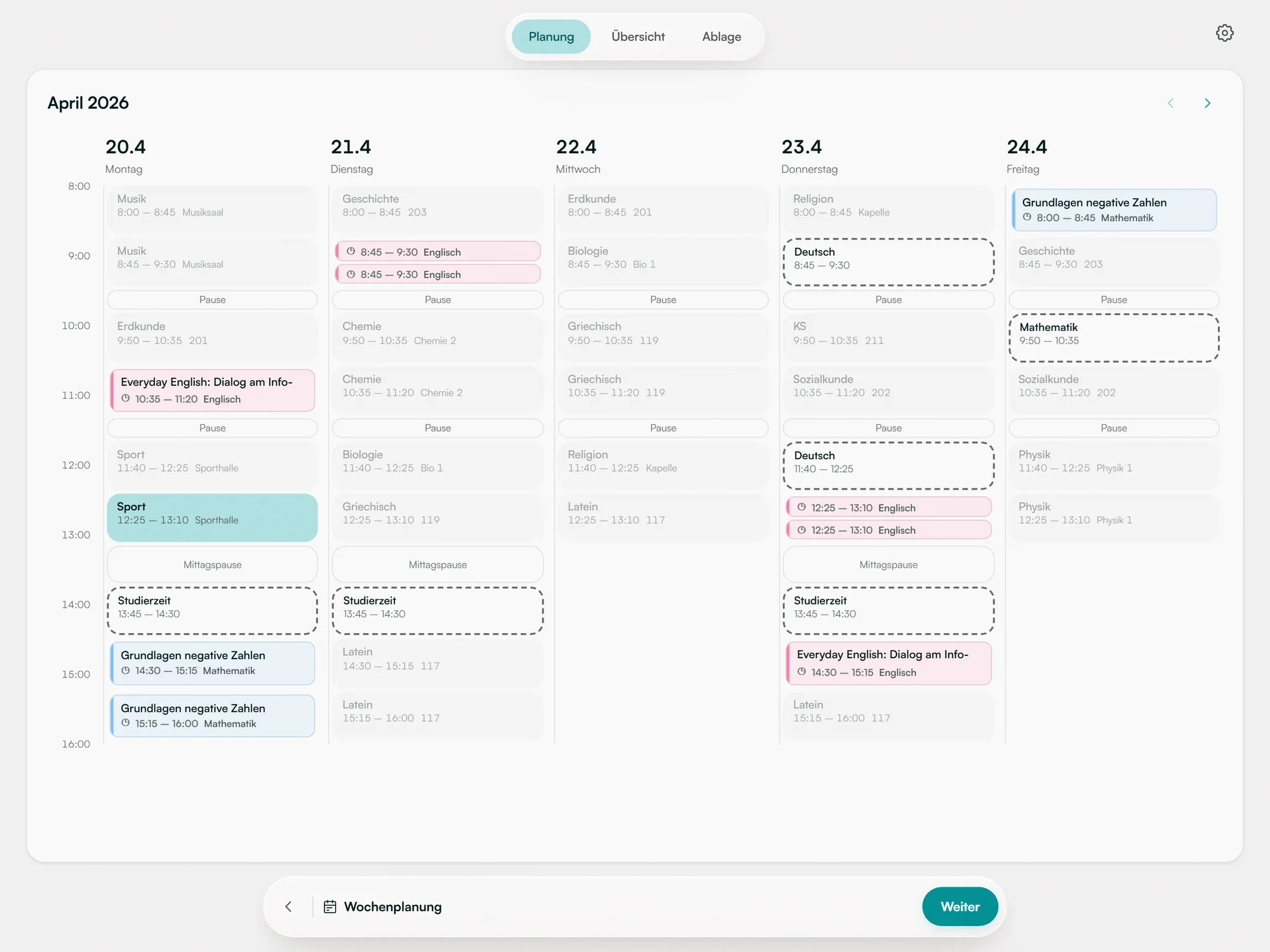
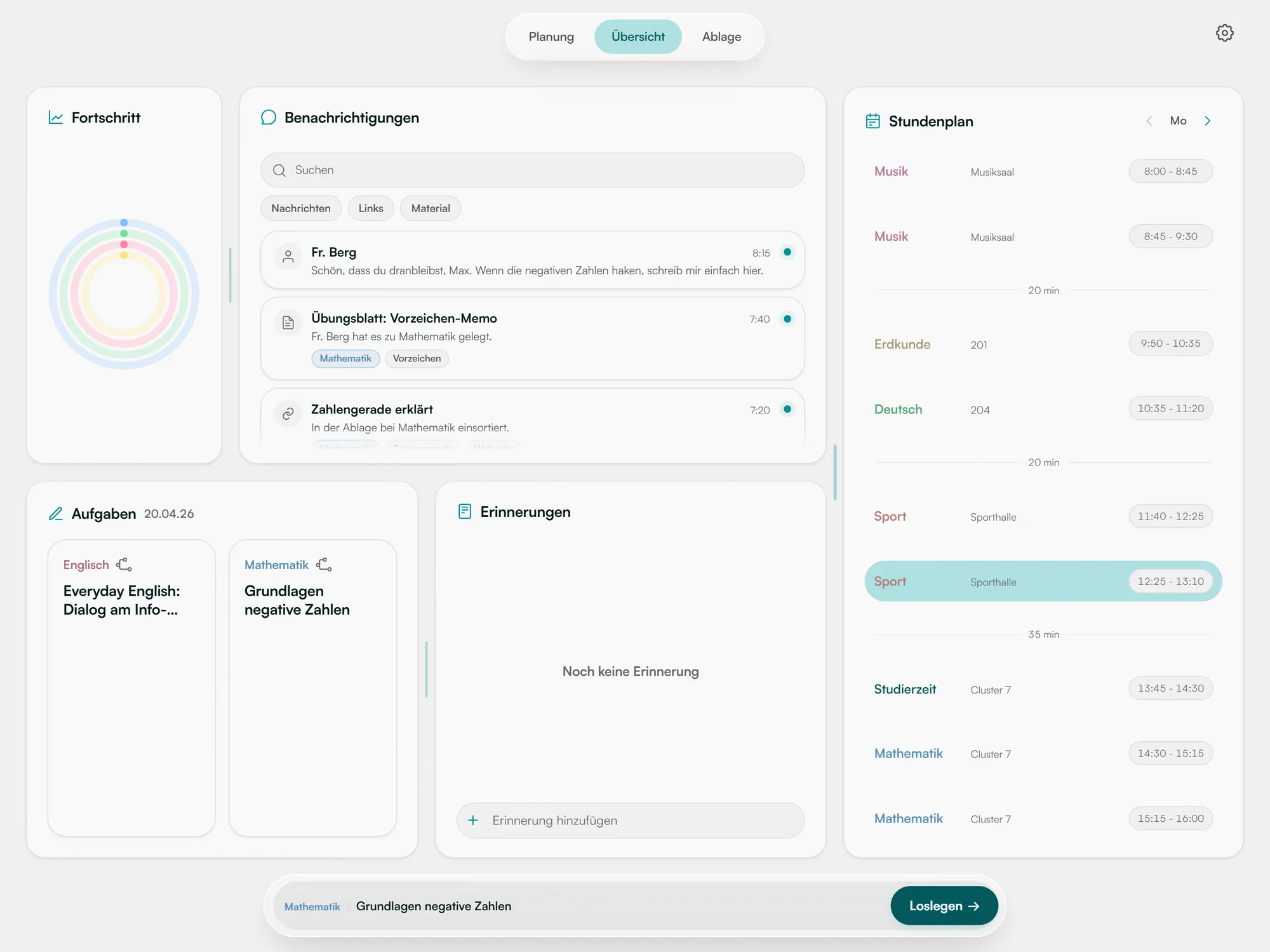
An app built around three recurring activities: getting an overview, planning the week, and finding materials again. Together they form one flow: overview → plan a learning path → open material → work on it → record progress.
The overview brings tasks, progress and the timetable together. Weekly planning breaks a longer stage into manageable steps. A task leads straight to its materials; finished steps are checked off and show up in progress.
Planning a stage, then a week, then the overview. Recorded from the running app with its demo data; the pointer is added for the recording.
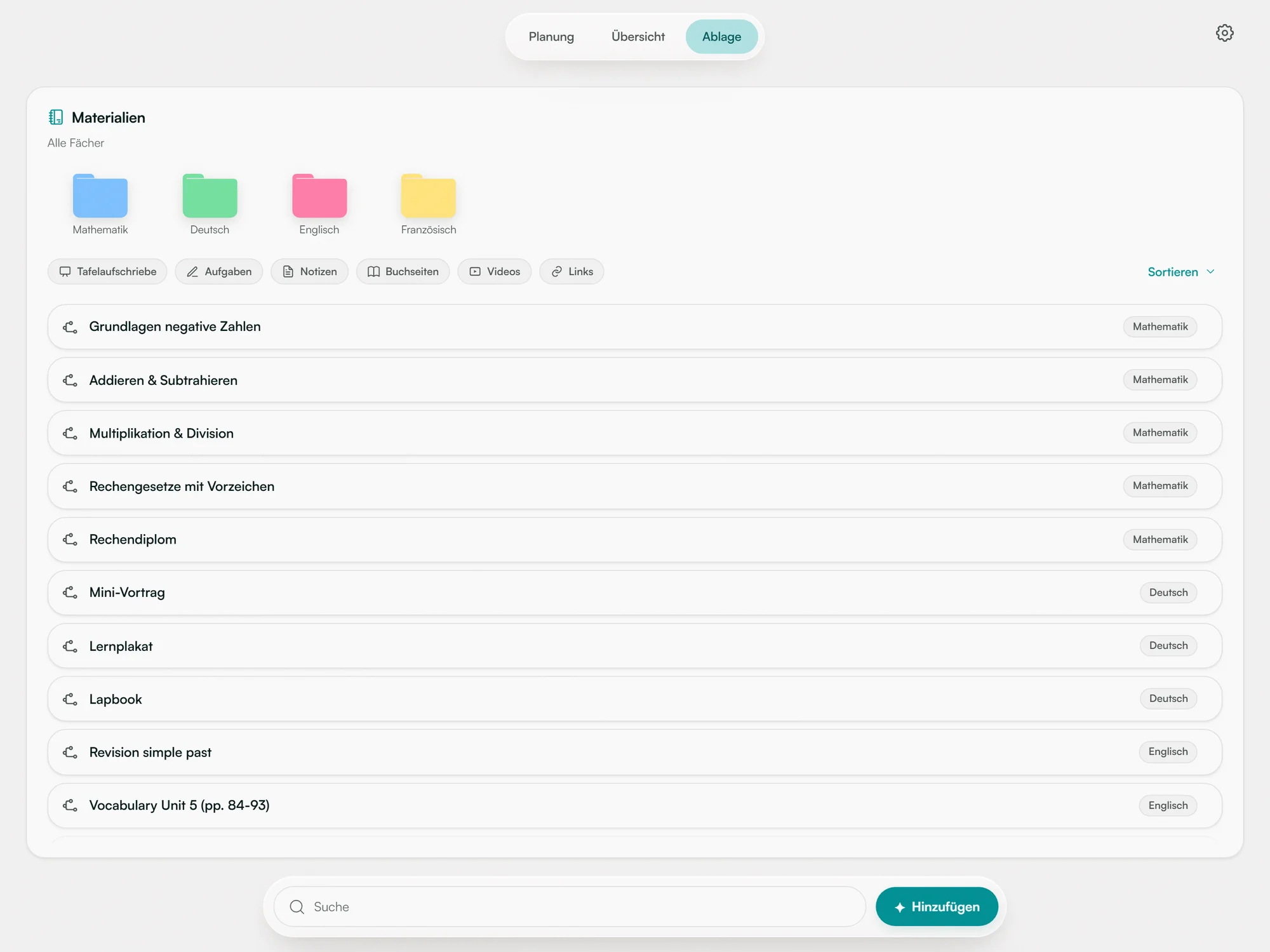
Materials and support in the same place. Students hand materials to the system, and AI is meant to sort incoming documents to the right subjects, competencies and tasks, so the right material appears where the task is worked on. Focus mode bundles the current task, its materials and a chat with an AI learning coach that refers to the school’s own documents.
Adding a photo of board notes: orca suggests subject and learning path, and the photo then sits with that task in focus mode. Links, videos and files shared to the app are meant to arrive the same way. In this prototype the suggestion for files is derived from the file name.
Focus mode: the current task, its materials and the chat side by side. Recorded from the running app; the chat shown is the built-in demo assistant.
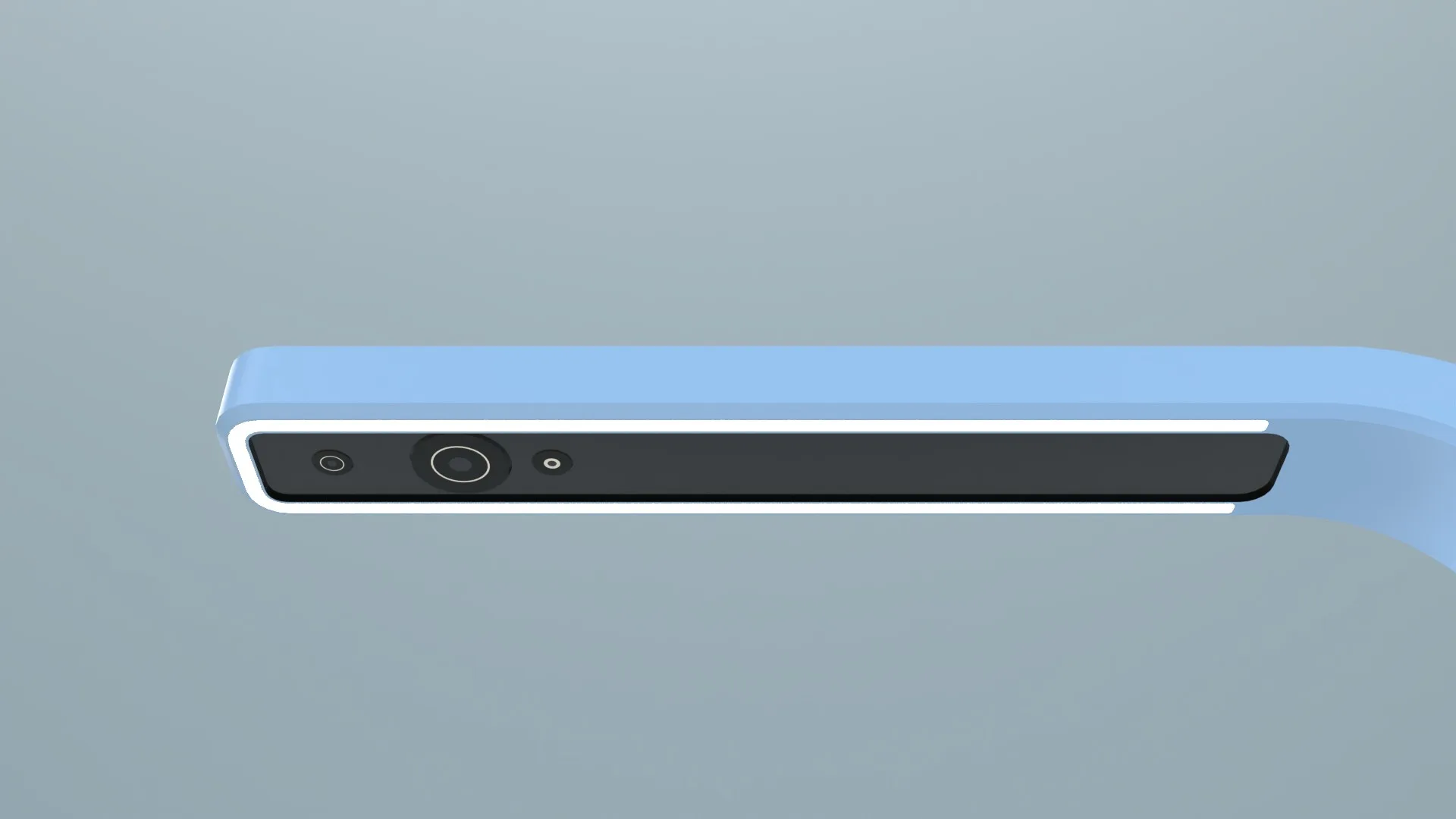
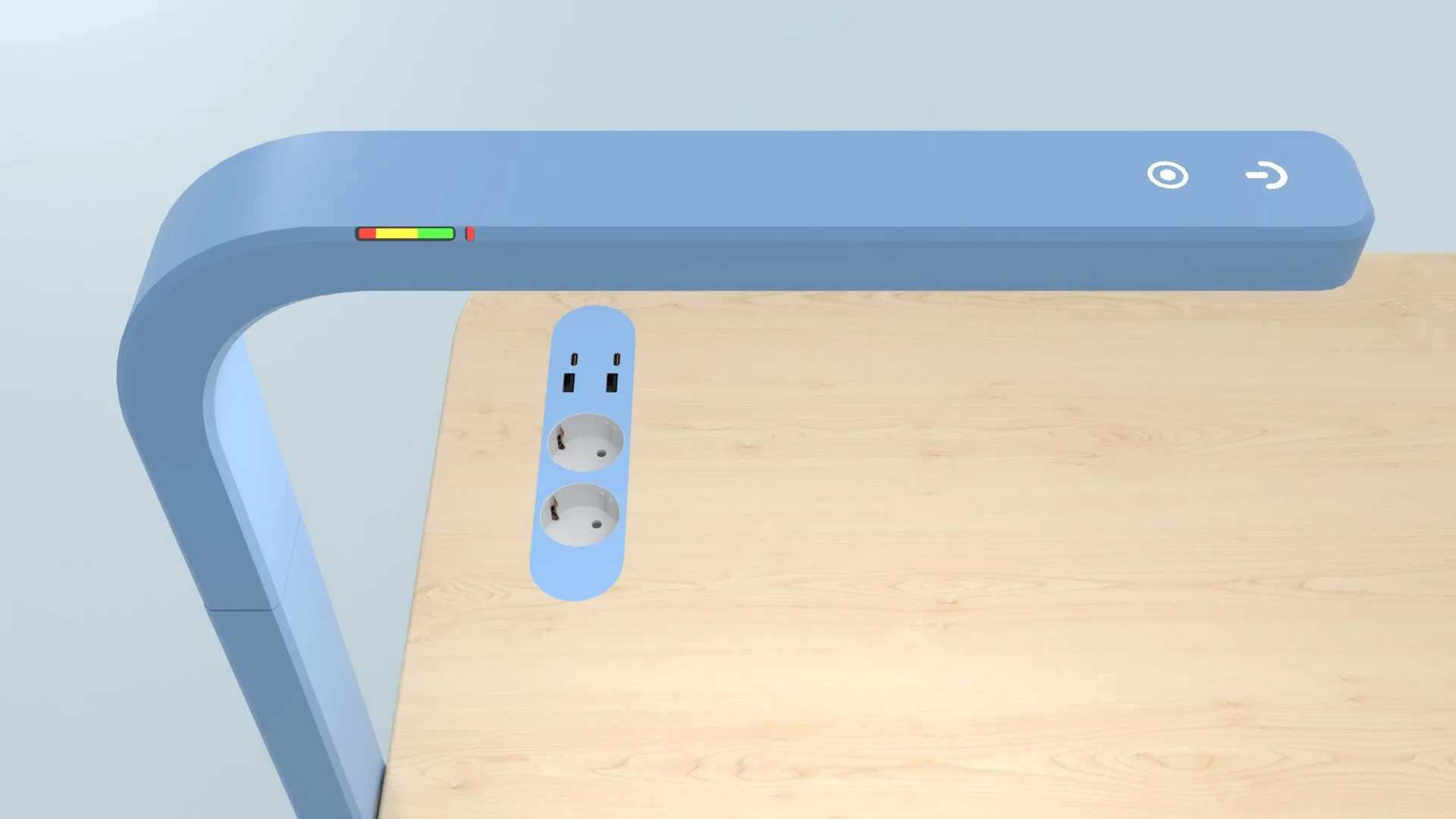
A lamp that connects paper and app. A planned camera in the desk lamp would connect handwritten work with the digital companion. For the documented test, this interaction was simulated in software with trackpad input. It shows the intended feedback flow; it does not prove working camera or handwriting recognition.
Three versions on the way. The app began as a broader “Orgatool” for school organisation, went through a dark interface version and ended as orca.
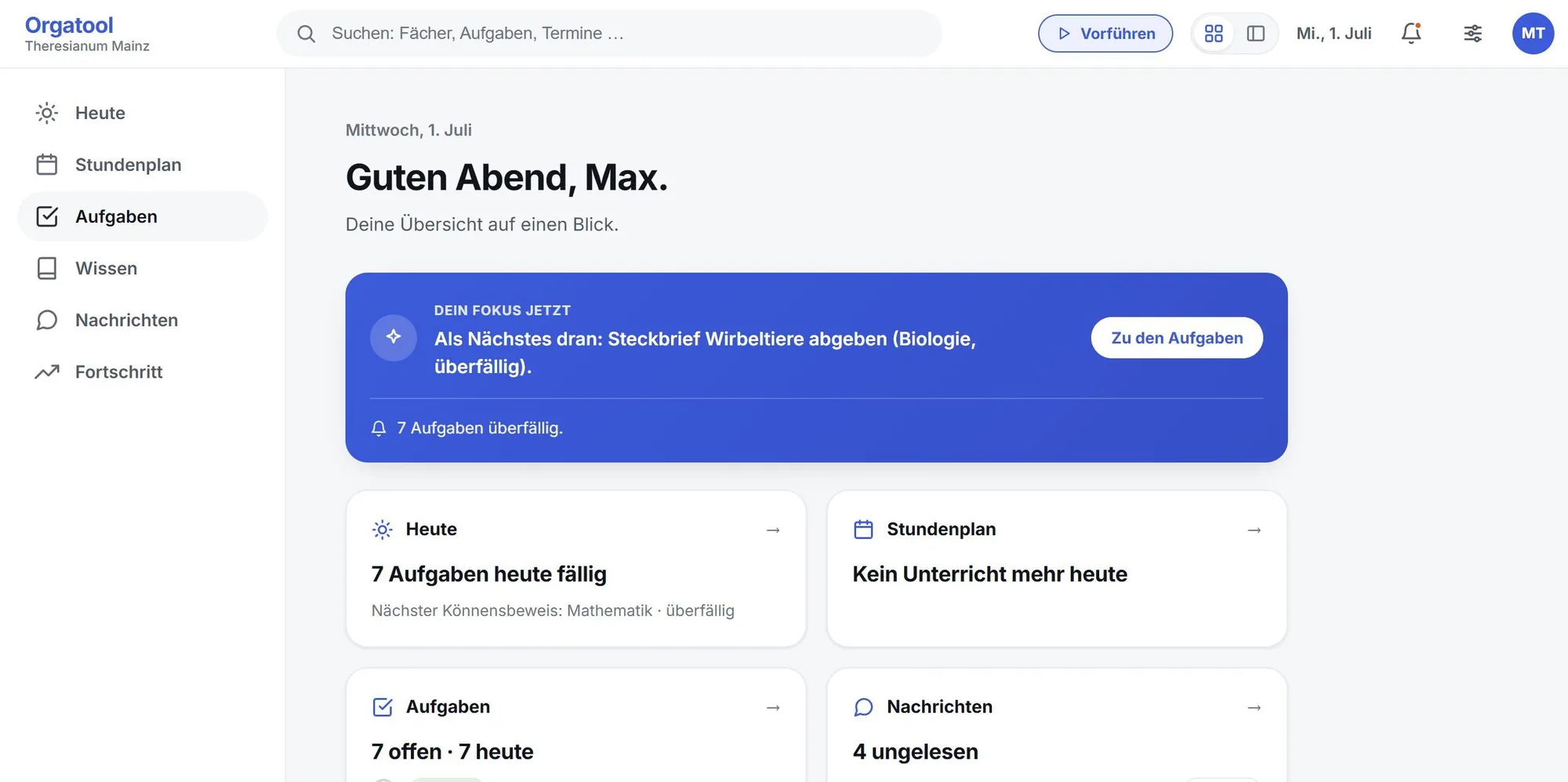
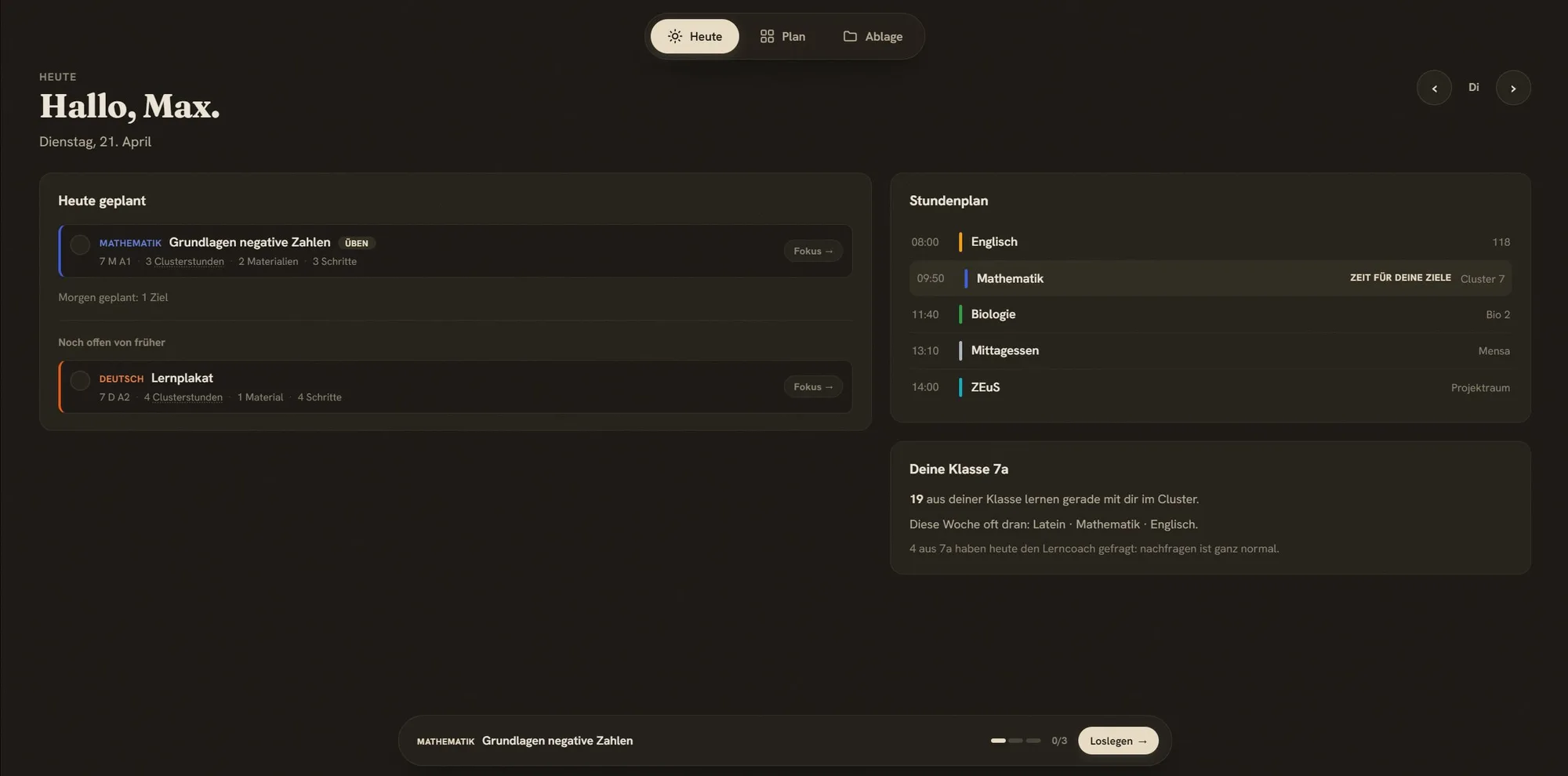
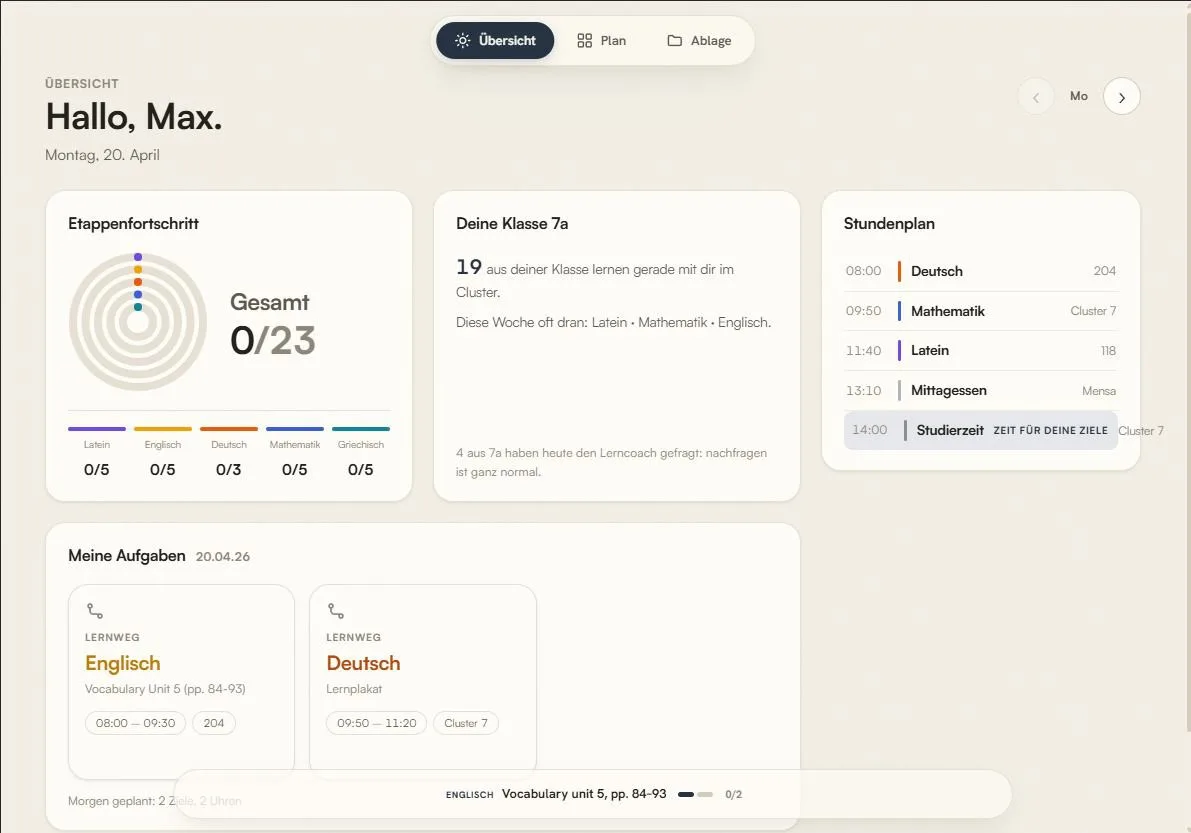
Three earlier versions of the app, from the final presentation (in German).
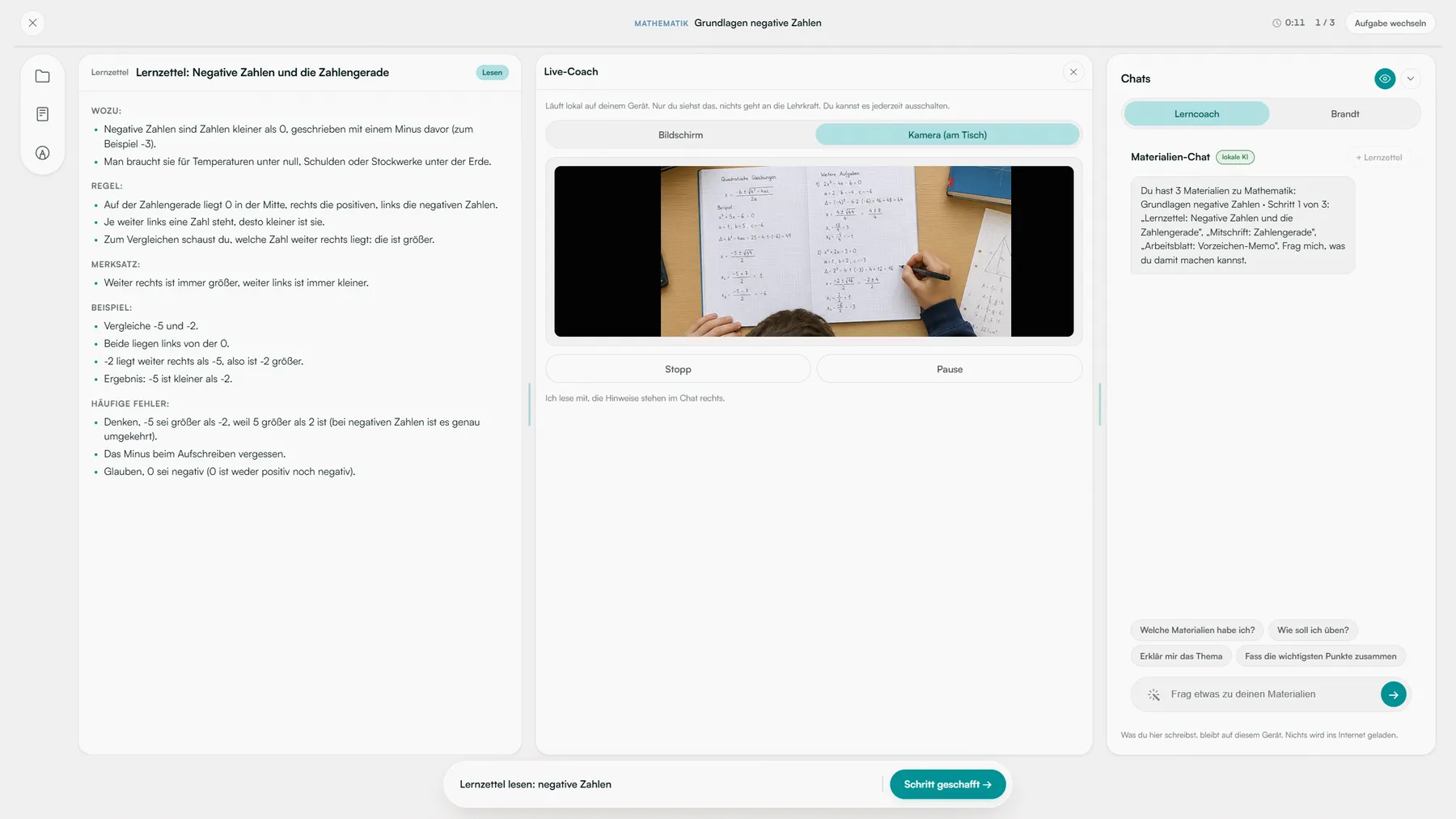
Screen recording of the live coach camera view. In the tested prototype, the handwriting interaction was simulated with trackpad input.
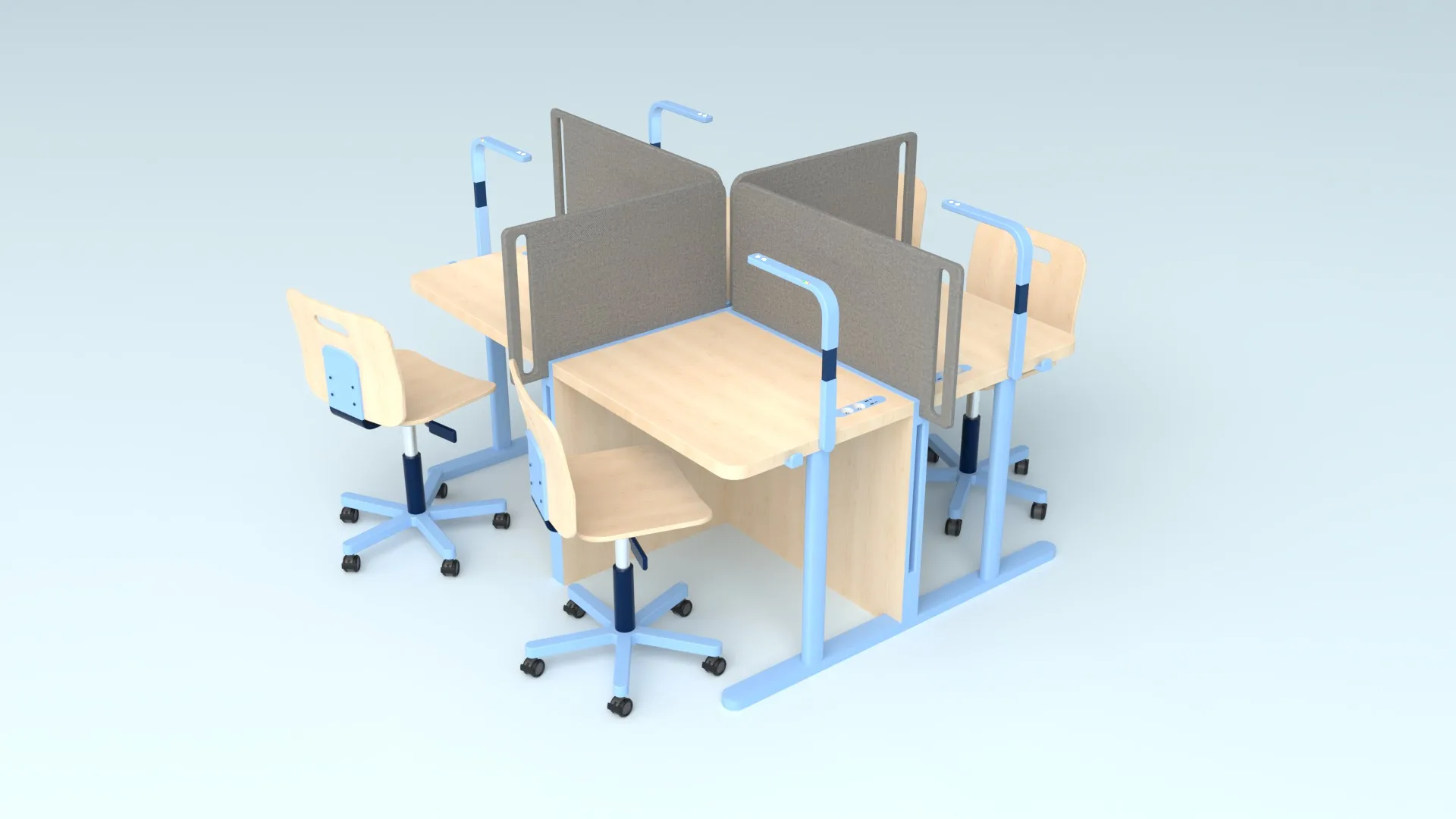
A furniture family for different learning phases: echo flow, a height-adjustable single desk; echo island, which joins several desks with movable dividers to switch between exchange and shielded work; and echo seat, a height-adjustable chair. The furniture is a design concept documented in renderings. Desk and seat were not tested empirically.
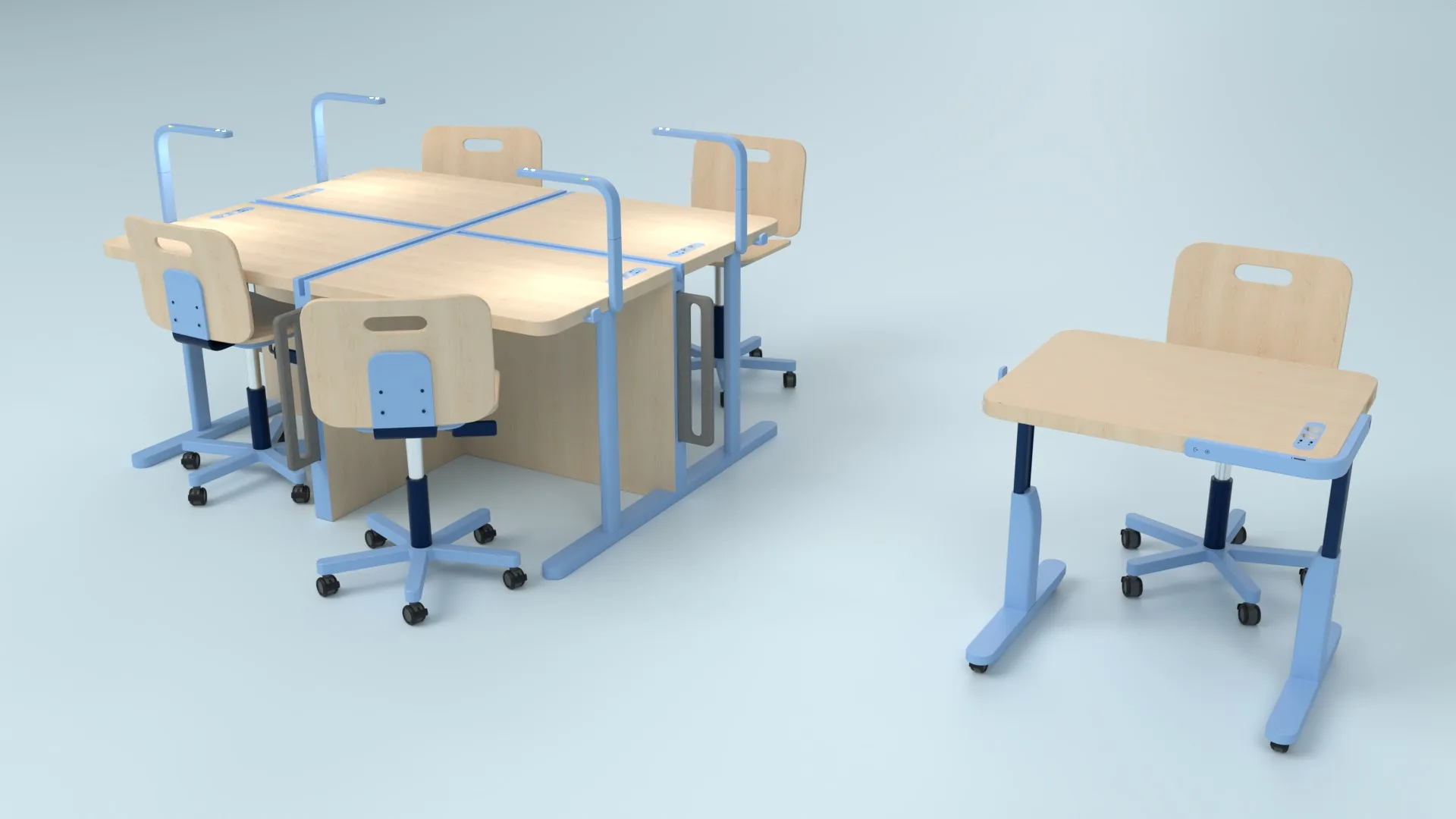
echo island joins four desks (each top 0.73 × 0.88 m). Four dividers of 0.5 × 1 m hang at the sides and slide up between the desks when students need to work shielded.
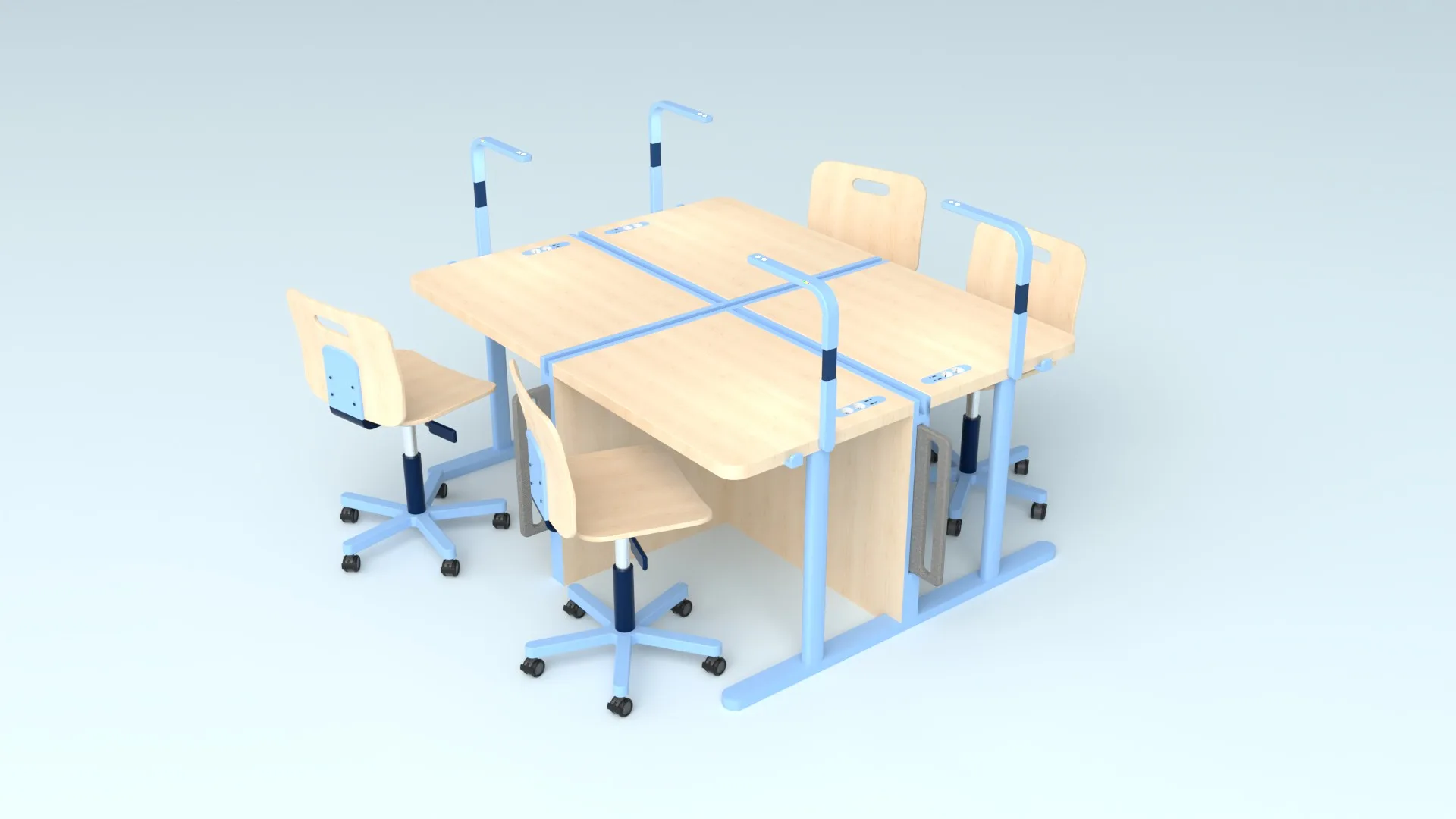
echo flow is the single desk (top 0.7 × 0.85 m), height-adjustable from 0.40 to 0.83 m at the press of a button, with sockets and USB set into the top and a battery under it. echo seat adjusts from 0.40 to 0.60 m and stands on castors.
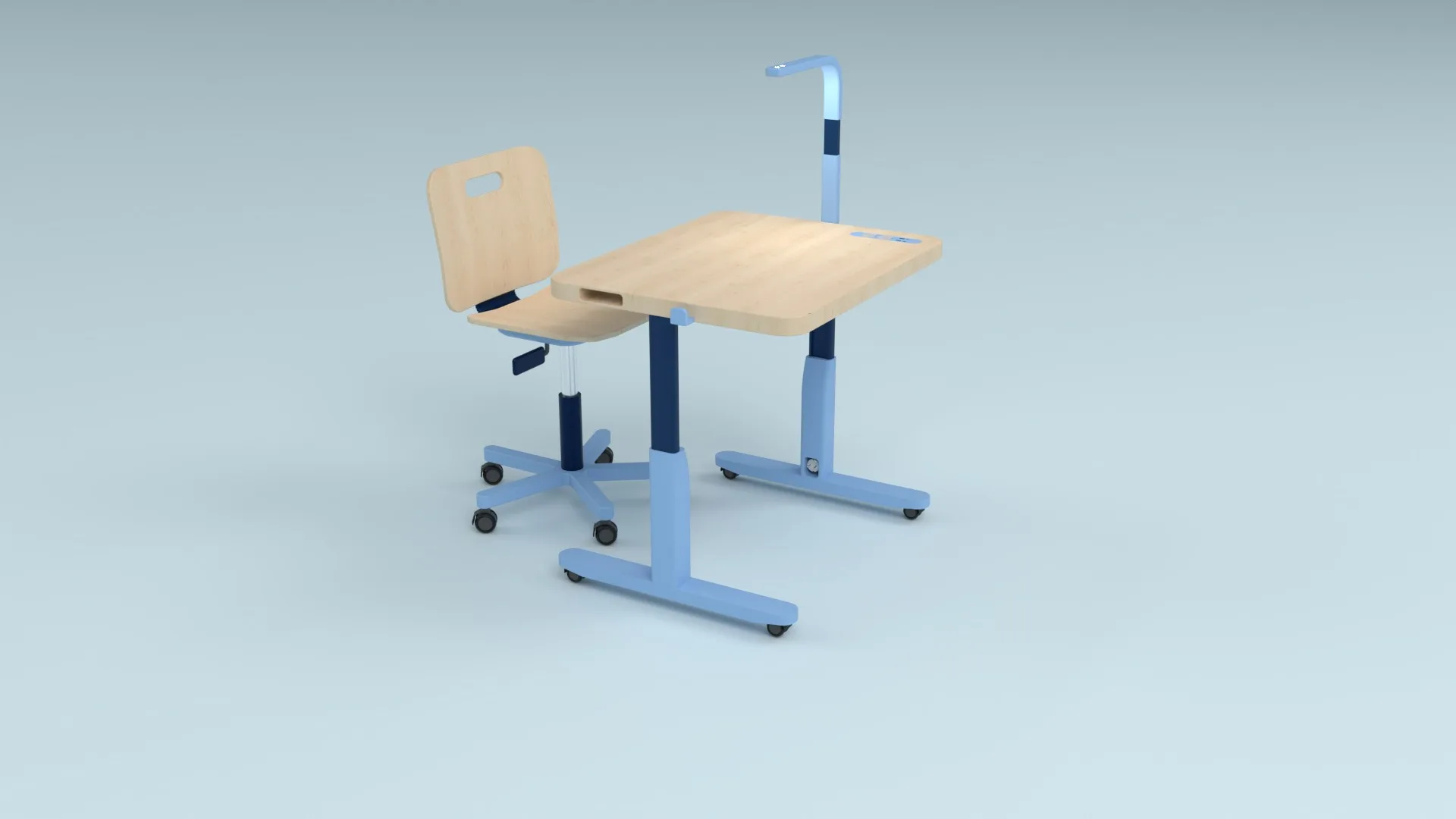
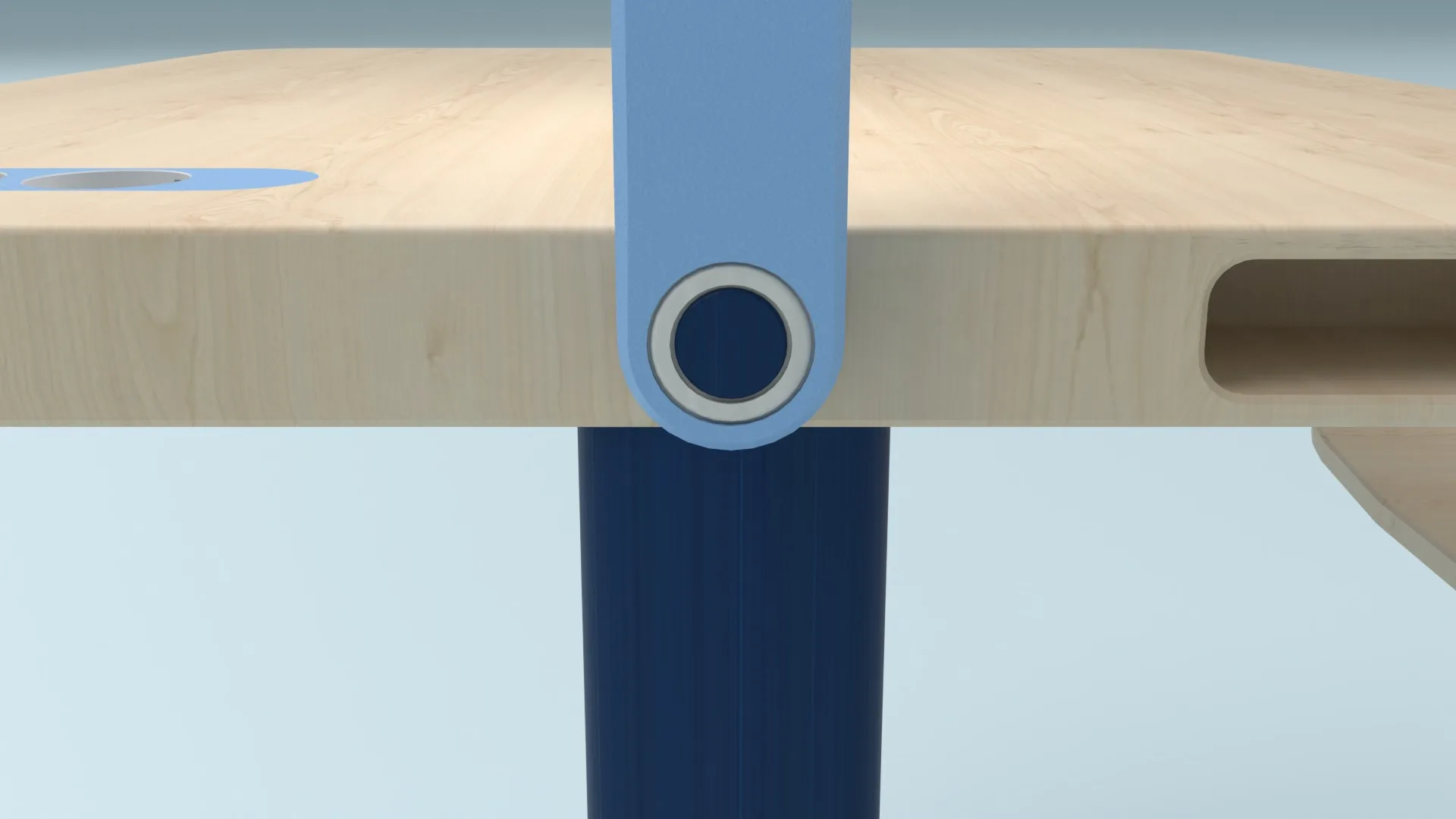
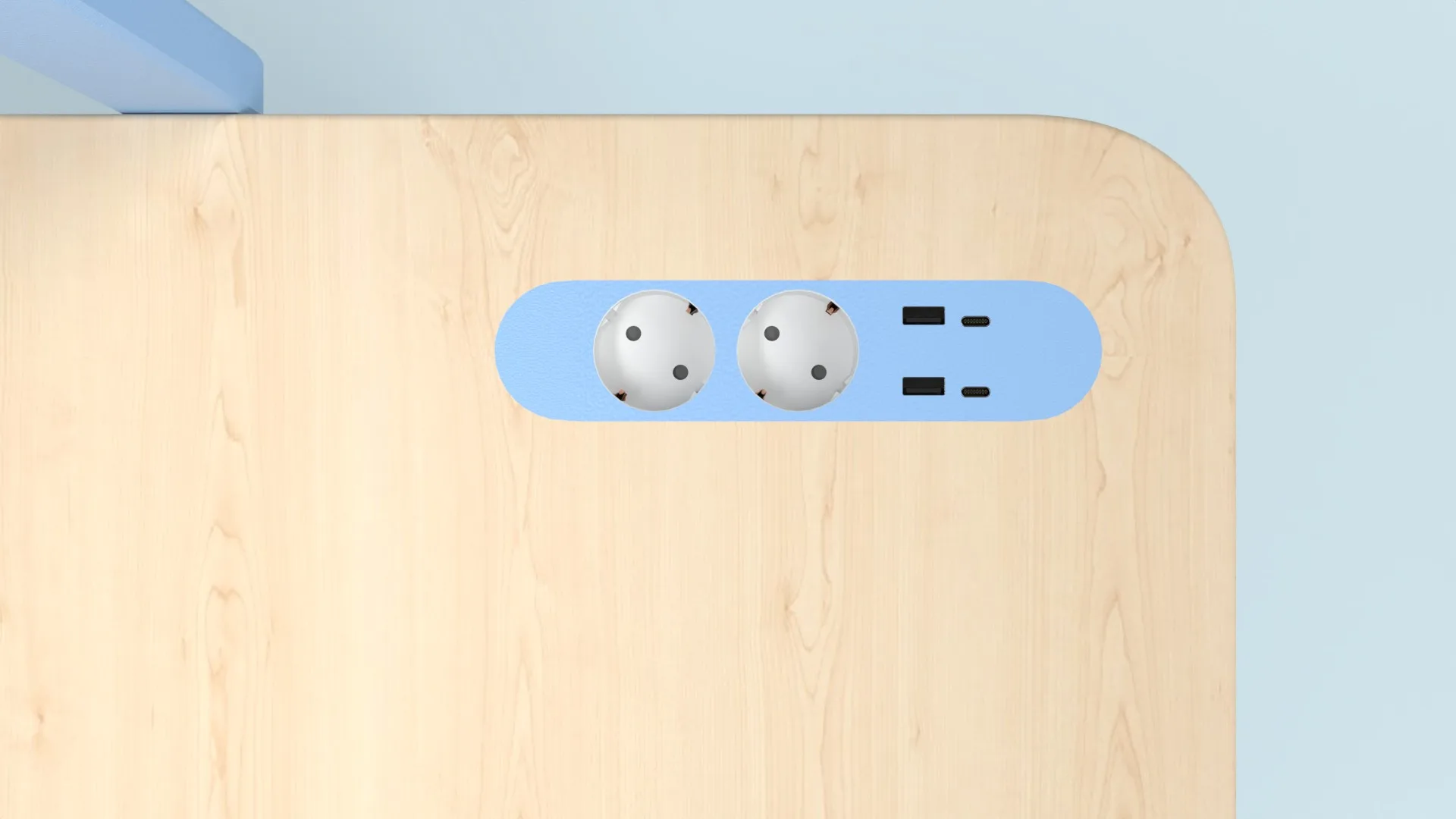
The lamp arm carries the planned camera for handwritten work and a small status light.
Key decisions
01
One system instead of single gadgets.
- Problem
- early ideas each solved one piece. A small “learning buddy” would remind and motivate but add another object to a crowded desk. A universal holder for tablet and notebook fixed posture but not organisation. A stool with power and storage fixed practical issues without connecting the learning process.
- Decision
- we dropped them for one shared system. Behaviour mind maps and a target mapping linked physical actions to digital flows and showed where app and furniture should each help.
- Result
- two guidelines. The solution adapts to different learning zones, and supports both focused solo work and open collaboration.
02
Focus on students’ daily self-organisation.
- Problem
- the work began as broader school organisation.
- Decision
- we centred it on the next concrete step: What’s due? When do I work on it? Where is the material? How do I get unstuck? The documented app history runs from an early “Orgatool” through several interface versions to orca.
03
Make planning visible as an action.
- Problem
- in testing, drag-and-drop in weekly planning wasn’t recognised as an option.
- Decision
- we added an explicit click option.
- Result
- planning no longer depends on discovering an invisible gesture.
04
Make linked materials stand out.
- Problem
- when a task was opened, its documents sat too far out of view. Students understood the connection only after a hint.
- Decision
- we adjusted the visual hierarchy and highlighted linked material more strongly.
Outcome
orca exists as a concept demo: a worked-out app, documented development steps and a matching furniture family.
The app prototype was tested informally with eight students, through free exploration and concrete tasks such as opening a learning path, adding and checking off tasks, weekly planning and finding linked materials. Two educators added their assessment of the student app. The features were there; their discoverability needed work. This small qualitative test gave direction for those two changes. It does not show long-term learning improvement, and use in regular school operation is not established.